

Before you start
- Top-up starts at €10 for 20 credits (€0.50 per credit). Credits you buy are valid for 12 months (365 days) from purchase and are non-refundable. See all amounts on formify.eu/pricing.
- You need to be signed in to app.formify.eu. Any user on the account can buy a top-up.
- On Seats there is no “Top up” tab and no “Buy credits” button. An account administrator clicks “Manage subscription” in Billing and changes “Additional credits” on the “Seats” tab. These credits are added to your balance every month.
Steps
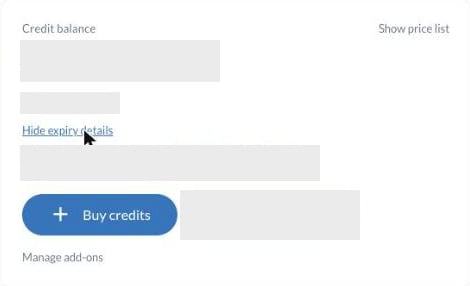
- Click “Top up credits” at the bottom of the left menu. On Free it is the link under “Upgrade”; when your free credits are used up, the button says “Keep sending”. Or click the briefcase icon at the top right, select “Settings”, open “Billing” and click “Buy credits” under “Credit balance”.
- A window opens with three tabs: “Top up”, “Seats” and “Add-ons”. Stay on “Top up”.
- Choose how many credits you want. Each option shows how many simple (SES) and advanced (AES) signatures it covers, and “Valid for 365 days”. The window also says: “We use Stripe to make sure your payment is secure. The Stripe checkout will load when proceeding.”
- Click “Pay”. The Stripe checkout opens.
- If you buy as a VAT-registered EU business, choose that you are buying as a business in the next step and enter your VAT number. No VAT is then added (reverse charge).
Good to know
- Prices in the window are shown excluding VAT. Any VAT is added in the next step.
- The window says: “Credit purchases are non-refundable.”
- Credits are shared by everyone on the account.
- Your credit balance is shown in “Billing” under “Credit balance” and in the account menu as “Top-up balance:”.
- Changed your mind? Click “Close” to leave the window without buying.